控制台
捕获设置
显示设置
1,284键盘事件
642鼠标事件
00:12:47会话时长
CtrlShiftG0.4s
左键点击1.1s
滚轮 ↑2.6s
悬浮层预览
CtrlShiftG
Two Windows tools, a browser extension, one WeChat mini program and four mini games. Every card lists the platform, version and how to get it: search inside WeChat, or run it locally on Windows.

Windows tools, a browser extension and a WeChat mini program. Open any card for screenshots, version, limits and how to get it.
先看清楚,
再决定下载。
复制 → 渲染 → 粘贴
Text-to-glass renderer & clipboard
Renders clipboard text into a glass-textured image and keeps your last ten copies on screen as edge tabs.



Tweet capture & visual rendering
Adds buttons to X and renders any tweet into a high-resolution card: three templates, five frames, liquid-glass themes, plus original-quality video downloads.
Version, platform, status and last update — the facts that do not fit on a card but decide whether you install.
| Updated | Entry | |
|---|---|---|
| PressLensGlobal keyboard and mouse capture with a console for counts and session time, plus an overlay that shows viewers exactly what you pressed. | 2026-09-24 | Store |
| GlassPasteRenders clipboard text into a glass-textured image and keeps your last ten copies on screen as edge tabs. | 2026-10-16 | Request |
| BiteLogA photo-first food diary: time and place fill themselves in, you add a rating and a note, and it prints as a polaroid poster. | Ongoing | WeChat search |
| X-Post-to-ImageAdds buttons to X and renders any tweet into a high-resolution card: three templates, five frames, liquid-glass themes, plus original-quality video downloads. | 2026-09 | Add-on store |
| Add-One MatchNumber merging, star popping and 2048 in one mini game. Search inside WeChat and play — nothing to download. | Ongoing | WeChat search |
| Fruity ChuzzleA Chuzzle-style drag-and-wrap matcher on a 6×6 grid, with four modes, super fruit and locked fruit. | Ongoing | WeChat search |
| Match & LinkClassic link matching with multiple fill directions, rising difficulty and three assist tools. | Ongoing | WeChat search |
| Catch the Big FishA tray-matching game with seven slots, where the order you pick decides the round. About five minutes per run. | Ongoing | WeChat search |
The most practical thing on this shelf: it puts your keyboard and mouse on screen in real time, so recordings, streams and tutorials never have to stop and explain a shortcut.
Keyboard events, mouse events and session time counted separately, cleared in one click.
Always on top of any app; position, width, opacity and font size are adjustable.
Keyboard, mouse and key repeat toggle independently, so only what matters is on screen.
No network, no uploads; native packages for x86, x64 and ARM64.
GlassPaste does two things: renders clipboard text into an image, and keeps the last ten things you copied within reach.
先看清楚,
再决定下载。
复制 → 渲染 → 粘贴
Text becomes an image
40 presets, 7 families
The last ten, always at hand
Keep what you use often
All five are remappable
Stored on your own machine
Current build is 0.1.0 and the store listing is being prepared. If you want to try it early, email me and I will send the beta build together with its known issues.
No installer, no account. Search the name inside WeChat, or scan the code on the detail page, and you are in a round.
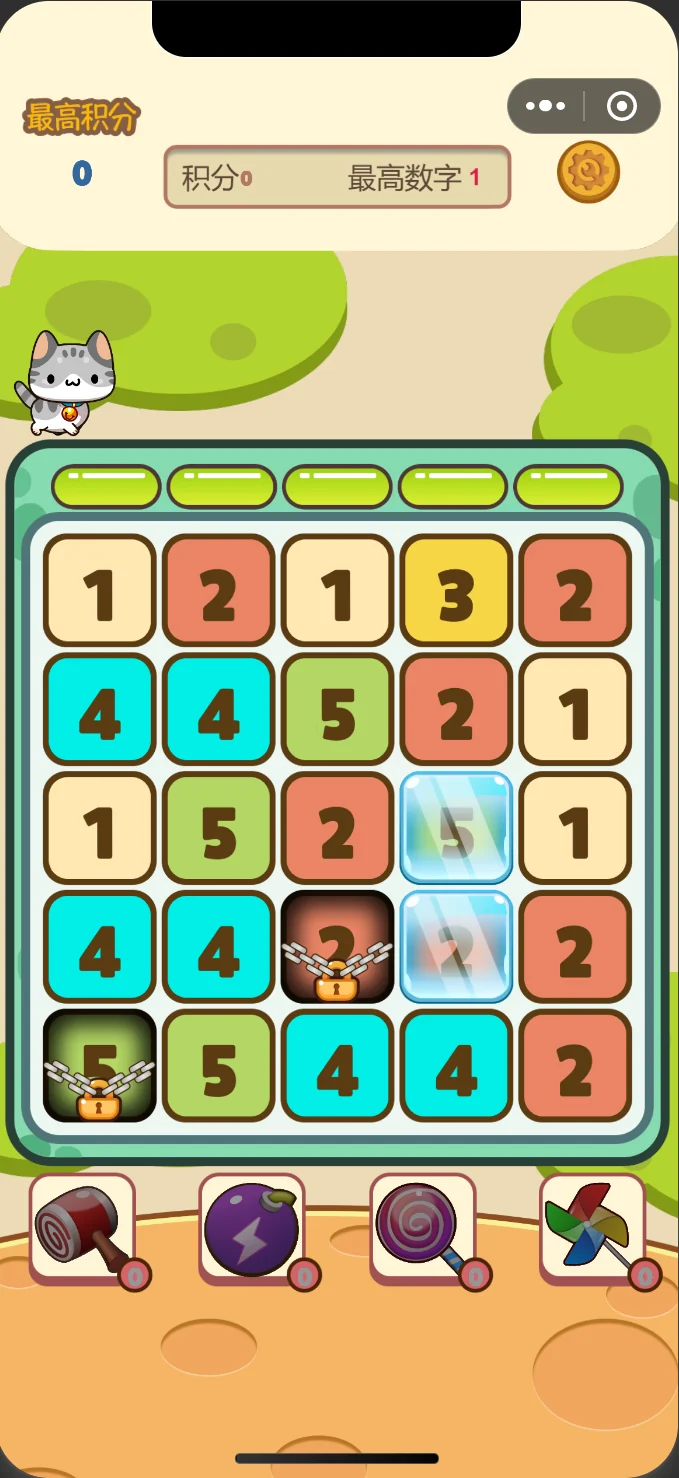
Number merging, star popping and 2048 in one mini game. Search inside WeChat and play — nothing to download.
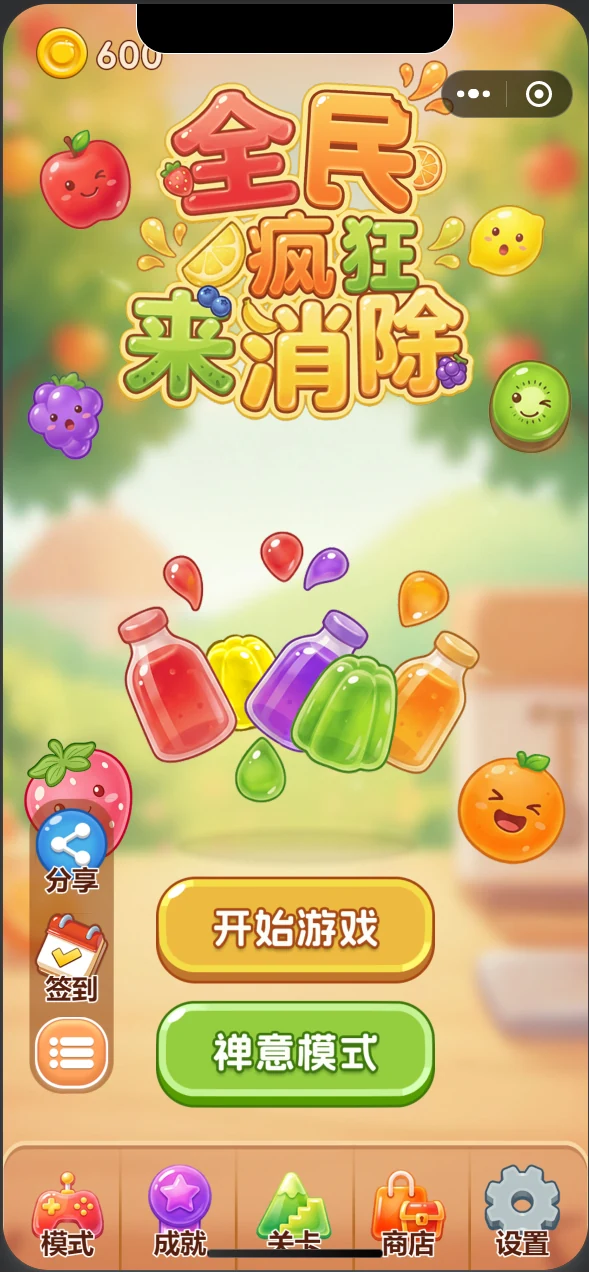
A Chuzzle-style drag-and-wrap matcher on a 6×6 grid, with four modes, super fruit and locked fruit.
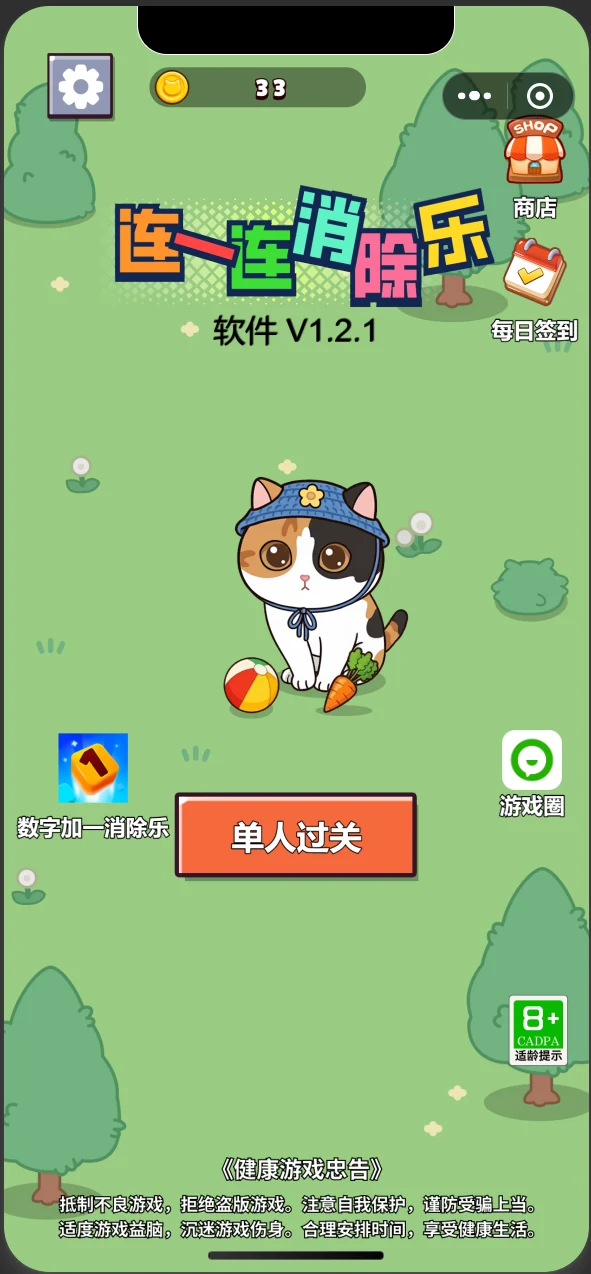
Classic link matching with multiple fill directions, rising difficulty and three assist tools.
 7 格托盘 · 三只一样即消除
A tray-matching game with seven slots, where the order you pick decides the round. About five minutes per run.
Different platforms need different preparation. Here is the difference, up front.
Installed from Microsoft Store, removed through system settings. Version and requirements are listed; no account needed.
02 productsInstalled from the Chrome or Edge add-on store, with permissions explained one by one and a switch to disable it any time.
01 productSearch the name inside WeChat or scan a code. Progress stays on the device, no extra permissions.
04 productsAlso one search away, with nothing to install. Data stays on the device and only syncs after sign-in.
01 productOnly things that actually happened: versions released, stores entered, and the one still being prepared.
Eight products on one shelf, with Chinese and English kept in separate folders.
Text rendering and clipboard manager entered beta; store materials in progress.
New build submitted to Microsoft Store with the ARM64 package and display settings.
New render engine and a two-column Xiaohongshu template.
I write the code, draw the interface, package it, ship it, and answer every email myself. Each product started as a small annoyance of my own: not being able to explain a shortcut while recording, losing an address I copied a minute ago, forgetting a restaurant I liked.
The shelf does not grow for the sake of looking full. Nothing gets a release date before it is finished, and nothing gets a feature list before it is verified — which is why you see version numbers, system requirements and known limits on these pages.
Before the screenshots and the download button, these should be clear.
Search the name inside WeChat, install from the store on Windows, add the extension in your browser. If nothing fits, write to me about the problem you are trying to solve.